


Learning how to go paperless at home sounds like a tidy weekend project — right up until the pile of unopened statements, school letters and receipts is back on the kitchen counter. Here is the reassuring part: you do not need to digitize everything, and you do not need to buy a scanner to begin. You need a system that decides the fate of each sheet the first time your hand touches it.
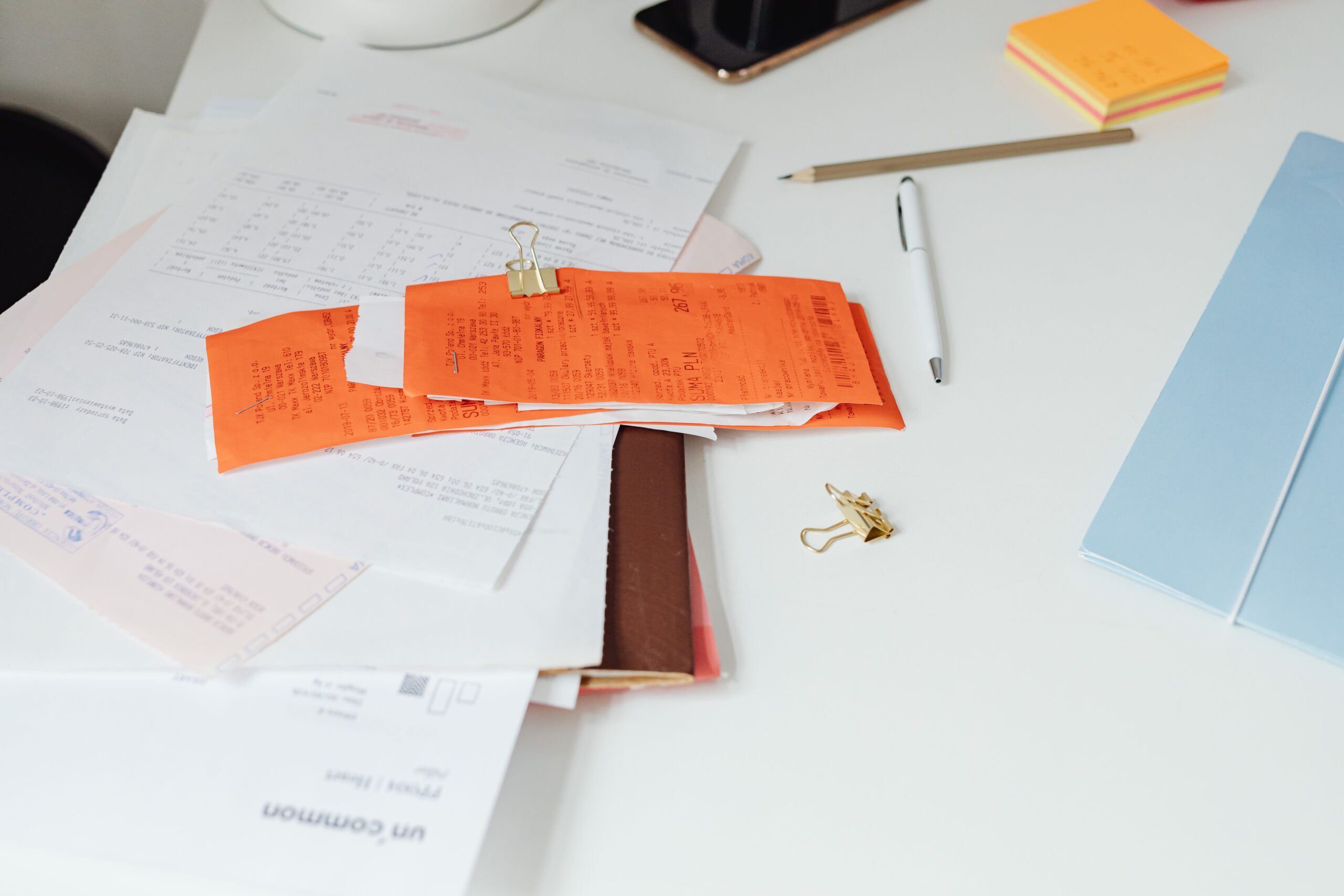
This guide walks through that system step by step: the three-bucket triage, how to run a scanning session that actually finishes a backlog, the official record-retention periods, what to shred safely, and how to back the files up so the digital copy genuinely outlives the paper.
How to go paperless at home — short answer:
You do not digitize everything. You run a four-step loop: triage each sheet into keep, scan or shred the first time you touch it; batch-scan the backlog one category at a time; check the record-retention period before destroying anything; and back the digital files up properly so the scanned copy actually outlives the paper. Do that, and paper stops being a permanent chore.
What “Going Paperless” Actually Means
Paperless does not mean owning zero paper. It means paper has a short, predictable life in your home: it arrives, you decide what it is, and it either gets filed, scanned or destroyed. The goal is findability, not emptiness.
For each sheet there are only three honest outcomes:
- Keep. A small, defined set of records you must retain — filed in one known place.
- Scan and shred. Anything you may need to prove later but do not need as paper.
- Shred now. Everything you will never need again. This is the largest bucket, and it is the one people avoid.
The rule that makes it work is a single decision on first contact. A “maybe” pile is not a system — it is a delay, and delay is what turns a drawer into a filing cabinet.
Why Paper Piles Up (and Why It Feels So Heavy)
Paper is the only kind of clutter that refills itself. Bills, statements, appointment letters and parcels arrive on a schedule you did not choose, so a tidy home drifts back into a mess even when you are not buying anything.
The mental weight is real, not imagined. A study of 227 American adults published in the International Journal of Environmental Research and Public Health found that people who are hesitant and indecisive about possessions report the greatest negative impact from clutter — and it notes that clutter is linked to lower life satisfaction, productivity and overall quality of life (read the study). In other words, the pile is not just untidy; it is a running decision you keep deferring.
That is exactly why this guide scans in batches instead of one document at a time. Decision fatigue, not laziness, is what defeats most paperless attempts.
The 3-Bucket Triage: Keep, Scan, Shred
Start with one inbox tray — one, not four. When paper arrives, open it standing up and act immediately instead of moving it to a “to deal with” pile. If the mail habit in our guide to decluttering your home without feeling overwhelmed already worked for your counters, this is the same habit applied to the paper itself.
Keep
Filed immediately, never stacked. This is the short list your retention table below defines: tax records inside their window, property documents, and anything a lender or insurer will ask to see again.
Scan
Documents you want to prove later but do not need as paper — old statements, paid invoices, warranty paperwork. Scan them in a batch with the rest of their category, then shred the originals once the file is safely stored.
Shred
Anything with an account number, an identifier or medical detail that you will not need again. It does not go in the household bin, and it does not go back in the drawer “just in case” — a maybe is a shred.
How to Run a Scanning Session That Finishes
The reason most people never get through a backlog is that they scan one document, get bored, and stop. Batching fixes that: one session should close out an entire category, not part of one.
- Pick one category per session — tax, medical, home, vehicles, warranties. A finished folder feels like progress.
- Set a 10-minute timer and keep a “later box” for anything genuinely ambiguous, so one stubborn document cannot stall the run.
- Name files the moment they land: a consistent pattern like
YYYY-MM-DD_category_descriptionis the system. A scan you cannot find again is not a record. - Keep folders flat and boring. One level of clearly named folders beats a beautiful hierarchy you will stop maintaining.
- Shred at the end of the session, not “soon”. The bag leaves the house the same day.
How Long to Keep Paper Documents
The length of time you keep a record depends on what it proves. The IRS record-retention guidance sets the periods that apply to a tax return, and they are shorter than most people assume:
| Document | Keep for | Why |
|---|---|---|
| Tax returns and supporting records | 3 years | The general period of limitations for an assessment |
| Returns with unreported income over 25% of gross income | 6 years | The longer assessment window applies |
| Worthless securities or bad-debt claims | 7 years | The extended claim window |
| Employment tax records | At least 4 years | After the tax is due or paid, whichever is later |
| Property records (purchase, improvements, sale) | Until the year of disposal, plus the limitations period | They establish the basis for depreciation and gain or loss |
| Returns never filed, or filed fraudulently | Indefinitely | No limitations period ever starts |
Two rules sit around that table. First, records tied to property are generally kept until the limitations period expires for the year you dispose of the property, because they establish your basis for depreciation and for gain or loss. Second, tax rules are not the only clock: the IRS advises checking non-tax reasons before you discard anything, because insurers or creditors may require you to keep some records longer than it does.
When in doubt, scan first and shred second. A scanned copy keeps the evidence without keeping the box.
The Paperless Toolkit: Scanner, Phone, or Service
You can start with the camera in your pocket. The right tool depends on the size of the job:
- Phone camera: enough for the trickle — receipts, single letters, forms. Use a scanning app so it crops to a clean PDF instead of a photo.
- Flatbed scanner: the better choice for photos, fragile documents and anything you want at high resolution.
- Sheet-fed scanner: pays for itself only when you have a real backlog; it will chew through a category in one sitting.
- A scanning service: for the pile you know you will never get to yourself. Send the box away and get the files back, then shred the originals.
Whatever you scan with, aim for roughly 300 dpi on documents, save searchable PDFs where you can, and keep photographs at full resolution. A blurry scan is a document you will have to scan again.
Stop the Paper at the Source
The cheapest way to handle paper is never to receive it. USPS Informed Delivery is a free service that shows you preview images of incoming mail before it reaches your mailbox, so you can see what is coming and decide what actually needs to be opened and kept.
- Switch bills, statements and insurance documents to e-delivery wherever the option exists.
- Cancel the catalogues and newsletters you never read — every one is paper you have to triage later.
- Keep one weekly “paper in, paper out” pass so nothing has time to become a pile again.

How to Shred Safely (and When to Hire a Service)
A bin is not disposal. The Federal Trade Commission’s Disposal Rule, which sets the federal standard for destroying records that contain personal information, treats paper as properly disposed of only when it is burned, pulverized or shredded so that the information cannot be read or reconstructed (FTC disposal guidance). Use a cross-cut shredder for anything with account numbers, identifiers or medical detail.
If the backlog is bigger than a home shredder can handle, the FTC’s guidance for hiring a document-destruction contractor recommends doing real due diligence first: reviewing an independent audit of the company’s operations, checking references, requiring certification by a recognised trade association, and reviewing the firm’s own information-security policies. A service that will not answer those questions is not a safe place to send your documents.
Your Digital Files Are Not Automatically Safe
Scanned is not the same as safe. The Cybersecurity and Infrastructure Security Agency recommends the 3-2-1 rule for anything important: three copies of the file, on two different types of storage media, with one copy stored off-site (CISA backup guidance).
- Encrypt or password-protect the folder that holds identity documents and tax records.
- Keep one copy that is offline or disconnected, so ransomware or a sync error cannot take all three.
- Test a restore once — open a file from your backup and confirm it actually opens. An untested backup is a guess.
If your phone and cloud accounts are the real source of your digital clutter, the same habits apply there too — our post on digital clutter draining your mental energy covers that side of the house.
Frequently Asked Questions
How long does it take to go paperless?
Most households can clear a normal backlog in two or three focused sessions rather than one marathon weekend. Run a single scanning party per room or per category, then keep a short weekly reset going so new paper never rebuilds the pile.
Which documents should I never throw away?
Keep anything that proves a tax position: filed returns and the records supporting them, property purchase and improvement documents, and employment tax records. The IRS sets the minimum periods, but your insurer or creditors may require some records to be kept longer.
Do I need an expensive scanner to go paperless?
No. A phone camera handles the trickle of receipts and letters, a flatbed scanner suits photos and fragile documents, and a sheet-fed scanner only pays for itself when you have a genuine backlog. For a one-off pile, a document-scanning service is often cheaper than the hardware.
Is it safe to store tax documents in the cloud?
It can be, but protect the files first: encrypt or password-protect anything sensitive and follow the 3-2-1 backup rule, which means three copies of the file, on two different kinds of storage, with one kept off-site. A single unencrypted cloud folder is not a backup, and it is not private by default.
What should I do with paper I have already scanned?
Shred it. Digitizing a document does not remove your duty to dispose of personal information safely, and the federal disposal standard is that the information must not be readable or reconstructable once you are finished with it.
Can I shred everything once it is digitized?
Only after you check the retention period for that kind of record and confirm no insurer, creditor or other party needs the original. Keep anything still inside its retention window, and shred the rest safely rather than dropping it in the household bin.
Getting Started This Weekend
Pick one drawer — not the whole house — and run the loop on it: triage into keep, scan and shred, scan the category you chose, check the retention table before destroying anything, and put the digital copy somewhere it is actually backed up. Then repeat next weekend with the next drawer.
Going paperless is not a purchase or a personality trait. It is a short loop you run often enough that the pile never gets the chance to come back.